


BC Game mobile access opens the same account rather than a smaller version
Wallet, Transaction, My Bets, Bonus, Rollover, Favourites and Security stay tied to the same login whenever BC Game Algeria is opened on desktop, phone or tablet.
A Sportsbook ticket placed on a computer can be checked on mobile. A Deposit started on mobile appears in the same Transaction history. A Casino round remains part of the same account history.
That continuity matters more than the exact icon used to open the platform.
BC Game works directly in Chrome on Android
The responsive BC.GAME site can be used from Chrome without installing an APK. Review the main BC Game Algeria page before moving the same account to a mobile device.
Add to Home Screen can create a convenient shortcut while still opening the web version of the same account.
This browser route also remains useful if an installed package later needs to be updated.
Use the Android route displayed by BC.GAME when installing
If the current platform route shows Android download or Install App, that is the installation path to use.
After installation, sign in to the existing account instead of creating a new registration simply because the device changed.
APK files delivered through private messages, unrelated download pages or email attachments are outside this normal platform route.
BC Game on iPhone and iPad uses Safari Home Screen access
Open BC.GAME in Safari, select Share and then Add to Home Screen.
The resulting icon opens the same mobile web profile rather than creating another Wallet.
Deleting or recreating the icon does not remove funds, tickets, Favourites or bonuses.
The same login method matters after changing devices
An email or phone account should use the same registered identifier. A Google or Telegram account should use the same connected provider.
Opening another Google account or Telegram identity can make the Wallet look unfamiliar because it can lead to a different profile.
Checking a known Transaction or My Bets ticket is a quick way to confirm that the correct account has been opened.
Google Authenticator remains tied to the account
2FA does not become a separate mobile setting when a new phone is used. It remains part of BC Game Security.
Authenticator codes refresh about every 30 seconds, so repeated rejection can indicate that the phone time is out of sync.
Before a sensitive Withdraw from a new device, checking 2FA and recovery access can prevent an avoidable interruption.
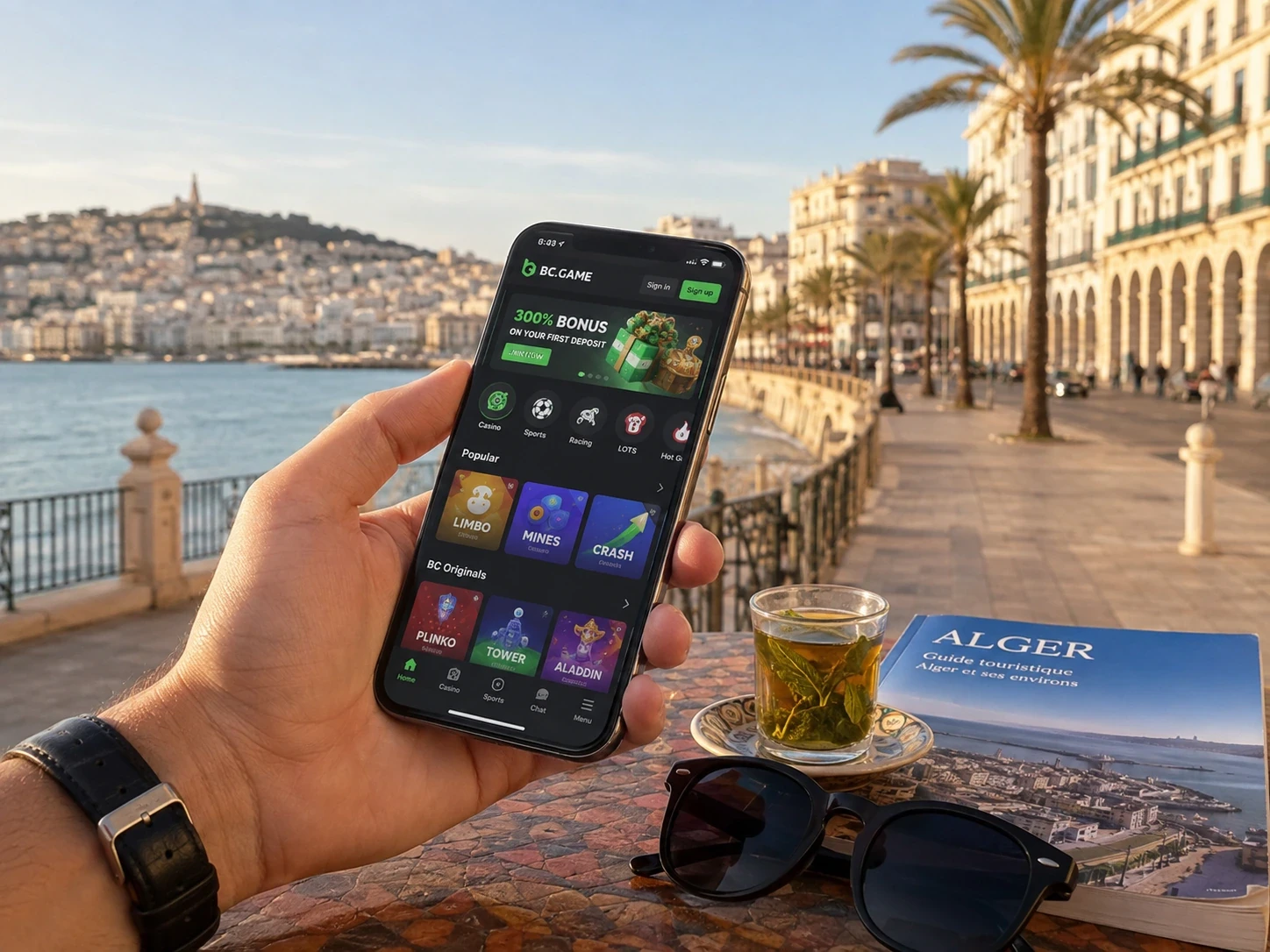
The BC Game Wallet remains fully usable on mobile
Deposit, Withdraw, Swap, Transaction and Rollover can be used without opening Casino or Sportsbook.
For crypto, asset, network, receiving address and any Memo, Tag or Destination ID keep exactly the same importance on a phone.
A short mobile visit can therefore be purely financial or administrative.
BC Game Sportsbook and Casino navigation adapt to the smaller screen
Sports and competition filters shorten the event list, while Search and Favourites shorten Casino browsing.
The bet slip still shows the market, accepted odds and stake before confirmation.
Records remain separated by product even though the same Wallet funds the activity.
BC Game mobile Support uses the same identifiers
Live Support, Help Center and [email protected] remain available from mobile access.
TxID, Sportsbook ticket ID and Casino round ID do not change meaning because the screen is smaller.
A screenshot can show an error message, but the record identifier usually gives Support a more precise starting point.
What remains synchronized
| Area | Same account on mobile |
| Wallet | Balance, Deposit, Withdraw, Swap and Transaction |
| Casino | Slots, Live Casino, Table Games and BC Originals |
| Sportsbook | Markets, bet slip and My Bets |
| Bonus | Campaign state and Rollover |
| Security | Verification, password settings and Google Authenticator 2FA |
BC Game browser access remains a full fallback after installing an app
If an Android package or Home Screen shortcut is no longer opening the route you expect, the current BC.GAME page can still be opened directly in Chrome or Safari.
From there, the same account can be used immediately and the shortcut or Android installation route can be recreated later.
This makes the browser a complete access path rather than a reduced emergency version of the product.
Removing an icon is not the same as deleting an account
A Home Screen icon or Android package is only an access point. It does not contain the Wallet balance or My Bets history by itself.
Deleting the icon can remove the shortcut from the device, but the profile remains on the platform.
Signing in again through the correct method restores the same account records.
Promotion timers stay the same on every device
Changing from desktop to phone does not pause, extend or restart an expiry timer.
First 4, vouchers, Free Spins and VIP state continue to follow the same account schedule.
This is useful to remember when a reward is time-sensitive: mobile access changes convenience, not the campaign clock.
Mobile access also carries Responsible Gaming controls
Changing devices does not remove a limit or self-exclusion state already attached to the profile. Those controls follow the account in the same way that Security and Rollover do.
If a self-exclusion period is active, opening BC Game from another supported device does not create a second unrestricted version of the profile.
This continuity matters because mobile access should reproduce the account state, not bypass it.
A new phone should still show familiar account records
After signing in on a replacement phone, a recent Transaction, known My Bets ticket or saved Favourite can confirm that the expected profile is open.
This is a simple check before making a new Deposit or Withdraw.
If those records are missing, review the login method before assuming that Wallet data has disappeared.
Browser access keeps the account complete
The responsive site remains a full route to Wallet, Casino, Sportsbook, Bonus and Support even when no installed package is present.
App FAQ
Do I need a new account for mobile?
No. The same login opens the same Wallet, tickets, promotions and Security settings on supported devices.
Can Android work without an APK?
Yes. Chrome can use the responsive website, and Add to Home Screen can provide a shortcut without a package.
How do I add BC Game to an iPhone?
Open BC.GAME in Safari, tap Share and choose Add to Home Screen.
Does Rollover restart after I change phones?
No. Promotional requirements belong to the profile, not to a particular device.